

 5 parts
Web portal
Aware Trackview Module
Set up geofences and watch live fleet status with the Aware (Trackview) module.
5 PDF guides includedRun quotes, leads and follow-ups from your phone with Prosper.
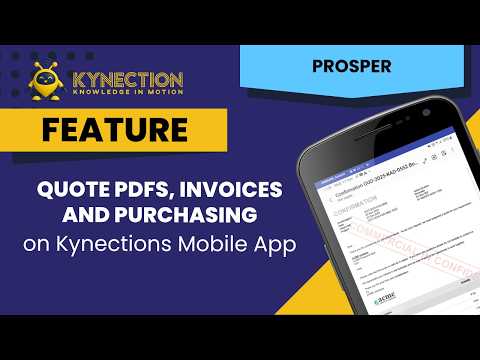
Closing the loop from the field in the Prosper mobile app. You review a confirmed quote and send it as a PDF on the client’s letterhead, then track invoices, purchase orders and receipts from the phone, so an overdue account or a part delivery is visible on site.
In this part
The PDF guide below has the screens for each step.
Modules that pair with Prosper Sales Module
5 partsSet up geofences and watch live fleet status with the Aware (Trackview) module.
5 PDF guides included 13 parts
Log faults, schedule repairs, record labour and parts, and report on fleet compliance.
13 PDF guides included 5 parts
Transport-specific HR workflows in the Kynection web portal: payroll, compliance, regions and employee data.
5 PDF guides included